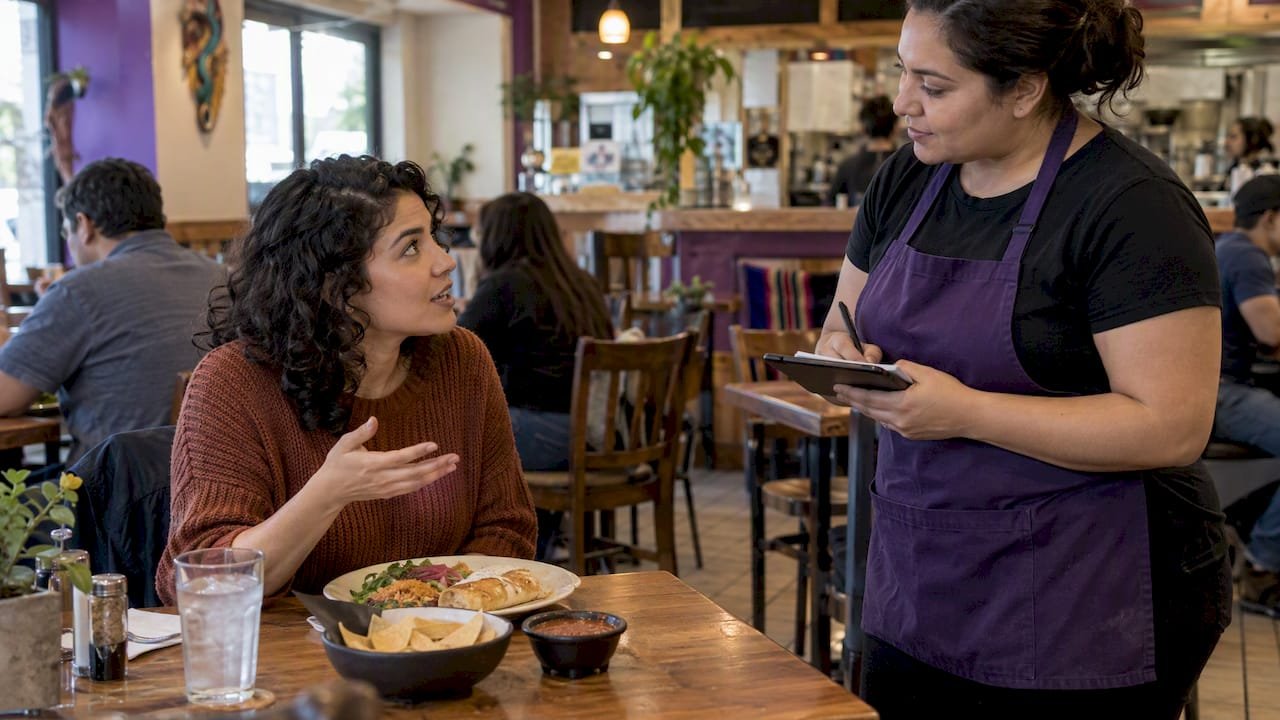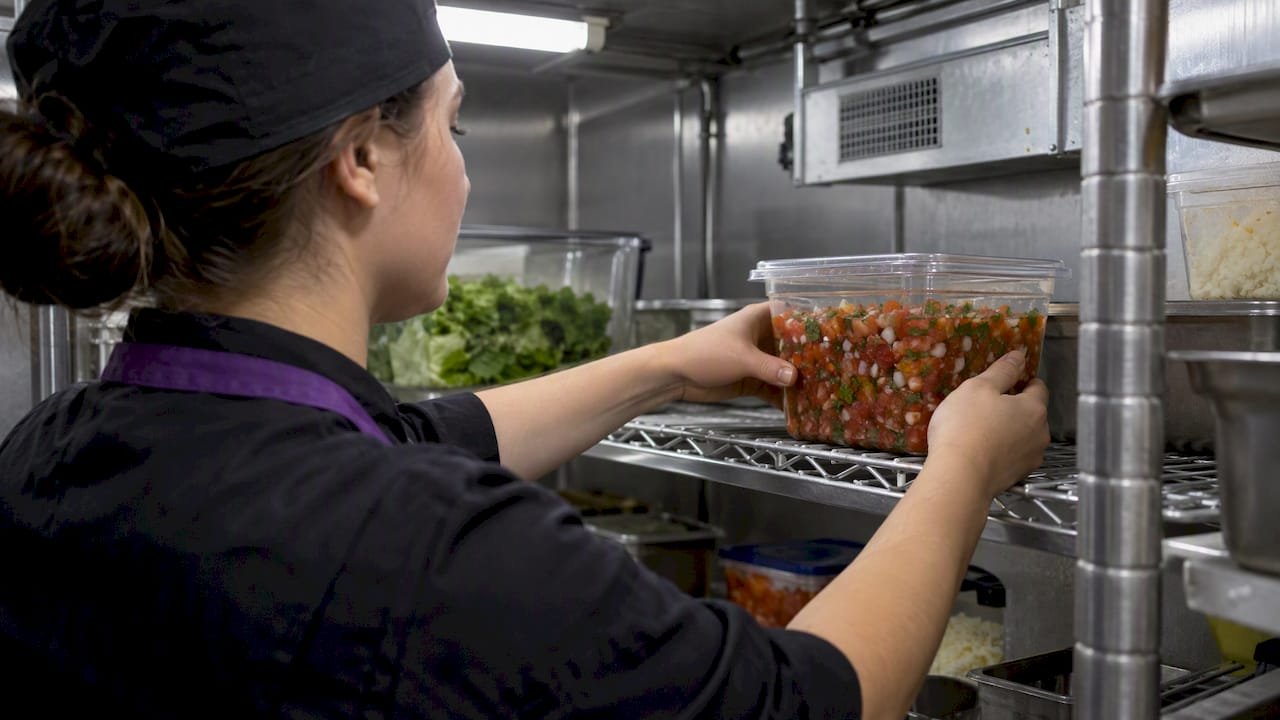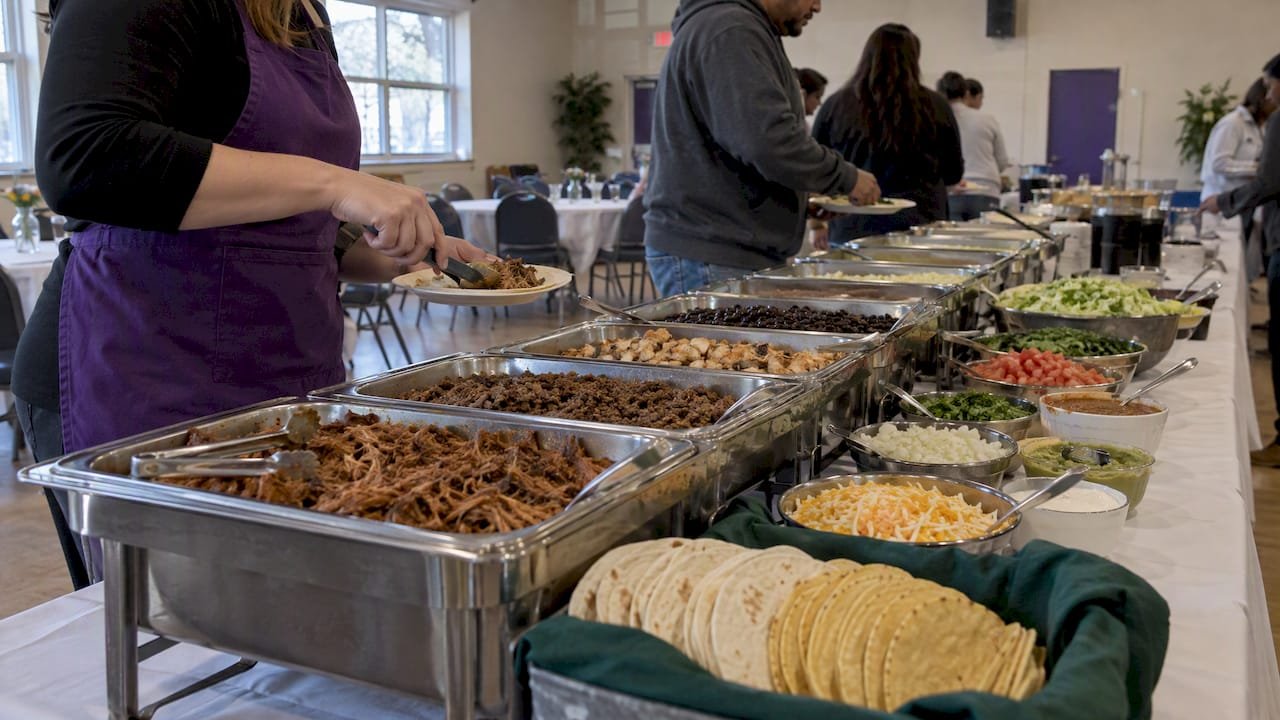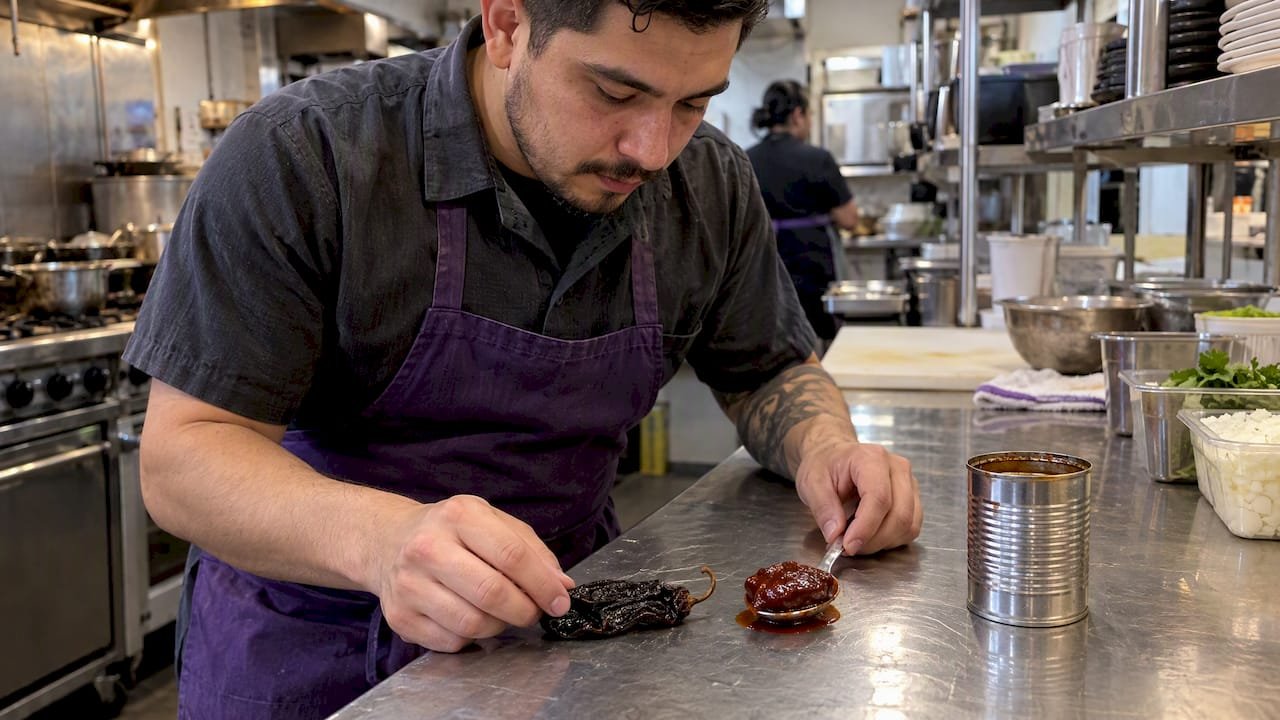
A customizable menu is a dining tool that lets diners control ingredient selection, portion sizes, and dietary notes before submitting an order, typically through digital apps, QR codes, or in-restaurant kiosks. This is the industry’s standard term for what many people call “build-your-own” or interactive ordering. The concept sits at the centre of how modern fast-casual restaurants, including Burritosplendido in Winnipeg, deliver personalised experiences at scale. Platforms like Menubly, Fudie, and Orders.co have made this technology accessible to restaurants of every size, turning a once-complicated process into a straightforward tap-and-choose experience for diners.
What is a customizable menu and how does it work in practice?
A customizable menu is structured around option groups: clusters of choices that appear after a diner taps or clicks a menu item. Each group covers a specific decision, such as protein, toppings, sauce, or portion size. Option groups can require a minimum or exact number of selections, making some choices mandatory and others purely optional add-ons. This structure keeps orders kitchen-ready and prevents incomplete or unfulfillable requests from reaching staff.
The typical diner journey on a digital customizable menu follows a clear path:
- Scan a QR code or open the restaurant’s app or website.
- Browse the menu and tap the item you want.
- Work through each option group, selecting your preferred size, base, protein, toppings, and extras.
- Review your choices and pricing, then add the item to your cart.
- Submit the order directly to the kitchen, with no verbal relay required.
This flow is what separates a true interactive menu from a static PDF sitting behind a QR code. Interactive menus enable tap-to-customise filtering and cart functionality entirely within a web page, with no app download needed. The distinction matters enormously for both the diner’s experience and the kitchen’s accuracy.
Behind the scenes, the technology relies on what platforms like Flipdish call modifiers: reusable option groups that attach to multiple menu items at once, each carrying its own pricing rules and selection limits. A restaurant can build one “sauce” modifier group and link it to every applicable item on the menu, rather than recreating choices item by item. This makes menu management far more efficient as the catalogue grows.
Pro Tip: When you open a digital menu and tapping an item reveals layered choices with prices updating in real time, you are using a true customizable menu. If tapping just opens a PDF, the restaurant has not yet made the upgrade.
What are the benefits of customizable menus for diners and restaurants?
Custom menu options deliver measurable advantages on both sides of the counter. For diners, the most immediate benefit is control over dietary needs. Someone managing a gluten intolerance, a vegan lifestyle, or a nut allergy can make safe, confident selections without relying entirely on a server to relay the request accurately. Burritosplendido, for example, builds its entire menu around this principle, offering gluten-free corn tacos from La Cocina, vegan proteins, and keto-friendly bowl options that diners can assemble themselves.
The benefits extend well beyond dietary accommodation:
- Accuracy. Choices go directly from the diner’s screen to the kitchen, cutting out the verbal chain where errors most often occur.
- Real-time updates. Digital menus update instantly when an ingredient runs out or a seasonal item arrives, with no reprinting required.
- Portion control. Diners can select sizes and add-ons that match their appetite and budget, rather than accepting a fixed plate.
- Speed. Ordering through a customizable interface reduces queue time at the counter, particularly during peak hours.
- Repeat visits. When diners know they can reliably get exactly what they want, they come back.
“Customers increasingly demand personalised experiences balanced with operational constraints. Restaurants meet these expectations by structuring options meaningfully and managing complexity through defined groups and limits.”
For restaurant operators, the operational case is equally strong. Fewer order errors mean less food waste and fewer comped meals. Staff spend less time clarifying requests and more time on preparation. The build-your-own model, made famous by Chipotle’s step-by-step assembly line, proves that structured customisation can handle high volume without sacrificing consistency. Burritosplendido applies the same logic to its Carnitas, Barbacoa, and Adobo Chicken bowls, where every protein is slow-cooked in-house and every topping is sourced locally from Manitoba producers like Bothwell Cheese and Peak of the Market.
How do customizable menus compare to static menus?
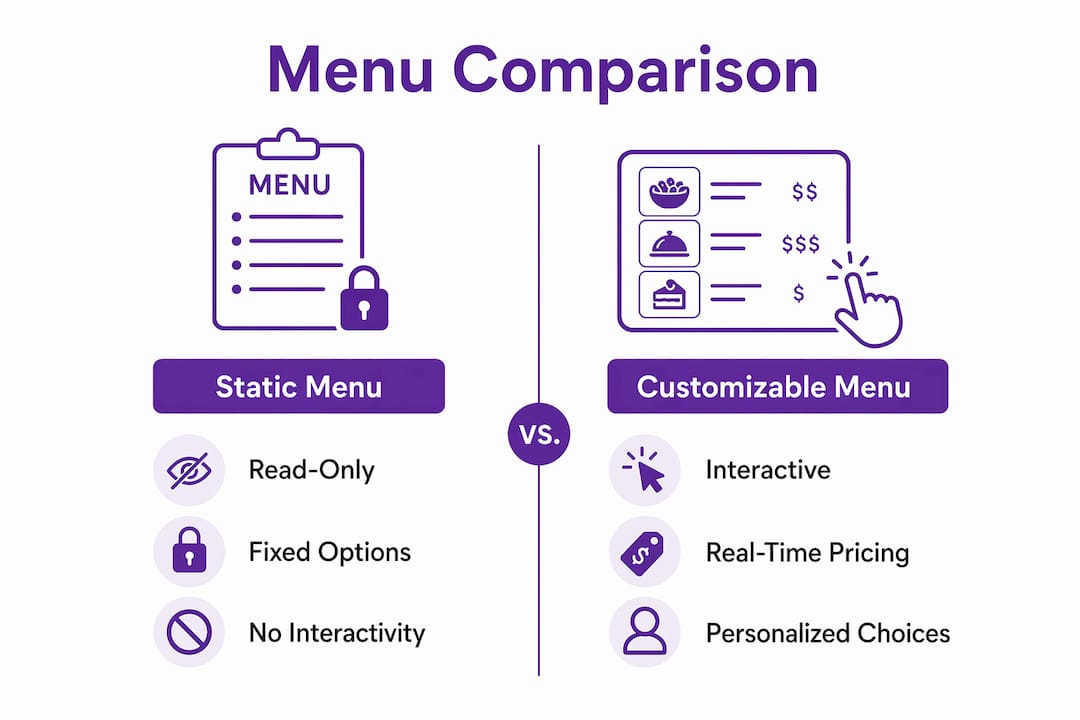
The difference between a customizable menu and a traditional static menu is not just cosmetic. It is functional.
| Feature | Static menu (PDF or print) | Customizable interactive menu |
|---|---|---|
| Interactivity | Read-only | Tap to select, modify, and order |
| Dietary filtering | None | Built-in filters by allergen or preference |
| Order accuracy | Relies on verbal relay | Choices sent directly to kitchen |
| Real-time updates | Requires reprint or redesign | Updated instantly in the system |
| Ordering speed | Requires staff at counter | Self-directed, no queue needed |
| Error reduction | Low | High, due to structured option groups |
A static menu, whether printed on card stock or saved as a PDF behind a QR code, gives diners information but no agency. A true customizable interface integrates filtering, modifiers, and cart functions natively. The gap between the two is where most diner frustration lives. Scanning a QR code only to receive a non-interactive PDF is a common pitfall that restaurants fall into when they digitise without truly upgrading.
Kiosk-based ordering, common in larger chains, sits in a middle ground. It offers interactivity but ties the experience to a shared physical device rather than the diner’s own phone. Personal-device ordering through a web-based menu is now the preferred model for fast-casual restaurants because it removes the friction of shared screens and queue formation at kiosk stations.
How to get the most out of a customizable menu as a diner
Knowing how to navigate custom menu options well makes a real difference in what lands on your table. Most diners rush through option groups and miss choices that would have improved their meal.
- Read every option group before selecting. Mandatory groups are usually marked clearly, but optional add-ons often appear lower on the screen and get skipped entirely.
- Use dietary filters first. If the menu offers gluten-free, vegan, or allergen filters, apply them before browsing. This narrows your choices to safe options immediately rather than requiring you to read every item description.
- Check pricing on add-ons. Size upgrades and premium toppings carry additional charges. Prices typically appear beside each modifier, so review the running total before adding to cart.
- Do not rely on customisation alone for severe allergies. Option groups separate mandatory from optional selections and improve usability, but cross-contamination risks require a direct conversation with staff. Burritosplendido trains its team specifically to handle these concerns.
- Review your order summary before submitting. The cart screen shows every modifier you selected. A 10-second review catches most mistakes before they reach the kitchen.
Pro Tip: If a menu item has a long list of option groups, scroll to the bottom before making any selections. Some of the most useful choices, like sauce on the side or extra protein, appear at the end and are easy to miss.
Key takeaways
A customizable menu works because it replaces the verbal ordering chain with a structured digital interface that sends accurate, personalised orders directly to the kitchen.
| Point | Details |
|---|---|
| Definition is functional, not cosmetic | A true customizable menu includes interactive option groups, not just a digital copy of a printed list. |
| Option groups drive accuracy | Mandatory and optional selections guide diners and prevent incomplete orders from reaching kitchen staff. |
| Benefits run both ways | Diners gain dietary control and accuracy; restaurants gain speed, fewer errors, and real-time menu flexibility. |
| Static PDFs are not customizable menus | Labelling a scanned PDF as customizable is a common pitfall that undermines both diner experience and kitchen efficiency. |
| Filters are your first tool | Applying dietary or allergen filters before browsing saves time and surfaces the most relevant options immediately. |
Why customizable menus are changing dining for the better
I have spent years writing about food culture and restaurant operations, and the shift toward genuinely interactive menus is one of the most consequential changes I have seen in fast-casual dining. Not because the technology is flashy, but because it solves a problem that has existed since the first printed menu: the gap between what a diner wants and what the kitchen receives.
What strikes me most is how often restaurants underestimate the difference between appearing customizable and being customizable. Dropping a PDF behind a QR code and calling it a digital menu is not customisation. It is a digitised inconvenience. The restaurants getting this right, including Burritosplendido with its Manitoba-sourced build-your-own bowls, understand that the menu interface is part of the product itself.
There is also a balance question that does not get enough attention. Unlimited choice sounds appealing in theory, but it creates decision fatigue and kitchen chaos in practice. The best customizable menus I have encountered use structured option groups to create the feeling of unlimited choice while keeping selections within what the kitchen can actually execute well. Chipotle built an entire brand identity on this principle. Burritosplendido applies it with locally sourced ingredients that change with Manitoba’s seasons, which keeps the menu fresh without overwhelming the diner or the team.
My honest advice to any diner: treat the option groups as a conversation with the kitchen, not a test of how many modifications you can stack. And to any restaurant still serving a static PDF: the upgrade to a true interactive menu is not a luxury. It is the baseline expectation in 2026.
— Austin
Experience Burritosplendido’s customizable menu firsthand
Burritosplendido brings the build-your-own experience to life with locally sourced Manitoba ingredients, slow-cooked proteins, and a menu designed to work for gluten-free, vegan, keto, and paleo diners alike. Every bowl, burrito, and taco starts with your choices, from Granny’s Chicken Adobo to Barbacoa shredded beef, topped with Bothwell Cheese and Peak of the Market produce. Explore the full customizable menu and build your perfect Winnipeg bowl online. Planning a group event? Burritosplendido’s catering service brings the same fresh, customizable approach to your next gathering, with options tailored to every dietary need at your table.
FAQ
What is a customizable menu in a restaurant?
A customizable menu is a digital or interactive ordering tool that allows diners to select ingredients, portion sizes, and add-ons before submitting their order. It differs from a static menu by enabling direct interaction rather than simply displaying information.
What are dynamic menus and how do they differ from customizable menus?
Dynamic menus update their content automatically based on availability, time of day, or location, while customizable menus focus on giving the diner control over their individual order. The two features often appear together in the same digital platform.
Why do customizable menu options matter for dietary needs?
Custom menu options let diners with allergies, intolerances, or specific dietary preferences, such as gluten-free or vegan, make safe selections independently. Restaurants like Burritosplendido also train staff to address cross-contamination concerns that go beyond what any digital interface can fully resolve.
What is the difference between a static menu and a customizable one?
A static menu, whether printed or a PDF, is read-only and requires verbal communication to place an order. A customizable menu integrates tap-to-order functionality with filters, modifiers, and a cart, sending choices directly to the kitchen without a verbal relay.
How do restaurants create a customizable menu?
Restaurants build customizable menus using platforms like Menubly, Fudie, or Flipdish, which allow them to create option groups with pricing rules and selection limits for each menu item. The result is a web-based interface diners access through a QR code or direct link, with no app download required.